Ways To Improve Your Profits
| Earning a profit while in a business can sometimes be like riding a roller coaster, experiencing both ups and downs. It is important to try to keep the downs to a minimum and ride out the tough times. The following are some simple things you can do to help increase business and improve profits. |  |
Create Your Own House List Of Customers
Using a spreadsheet or database program, make a list of people who have bought
from you in the past. Break down the list into last week, last month, six months
ago, and the past year. Be sure to include all relative information on the list
such as dollars spent, items purchased, location, etc.
While this house list can be done on paper, doing it on your computer will give
you much more flexibility. The idea here is to develop different useful lists of
past customers to which you can send just the right offer to interest and
motivate them to make a purchase.
Create Your Own House List Of Prospects
Using the same method as above, make a list of people who may be interested in
making a purchase. This can be friends, people who have made an inquiry in the
past, special interest groups, etc. Include any item that may be relative to a
potential sale. Break the list down into three groups: high, middle, and low.
With high being those who will most like make a purchase and low being those who
will most likely not make a purchase.
Use Postcards Instead Of Letters In Mailings
There are two major advantages in using post cards. First, postcards are much
cheaper than letters to send out. Second, postcards do not require the customer
to open an envelope which greatly increases the odds that they will look at it
rather than just throw it in the trash can. Be sure to include all relative
contact information on the card and an enticement to follow through with an
order or to seek further information. For example, you can include a discount or a
free gift if they respond by a certain date.
Use E-mail
There is nothing quite like a solid E-mail list built from your own customers
and/or prospects. And unlike a postcard that has information constraints due to
its size, an E-mail messages can contain as much information as you like.
Consider Re-vamping The Way You Do Things
Re-vamping is the process of streamlining personnel, resources, processes, and
other overhead while continuing to focus on quality service. This is often
driven by management, with the solutions ranging from fundamental work flow
process improvements to high-tech image and information support.
Analyzing and solving paperwork problems is especially a good place to begin
re-vamping. Studies have shown that the cost of generating, moving, and tracking
great volumes of paperwork can easily account for more than 25 cents of every
overhead dollar spent in business.
Consider Total Quality Management
(TQM)
In TQM, management works closely with the workers to resolve problems and make
things run smoother. Setup an employee suggestion box and meetings to get ideas
from your employees. They are the ones doing a lot of the work and can give some
valuable input and feedback. The employees will also feel that they are part of
the team.
The key to TQM working is to set the rules at the start. Let the employees know
if they have a complaint or feel something needs to be improved, they need to
counter it with a sensible solution. Otherwise, TQM will do no more than
encourage discontent rather than improve things.
|
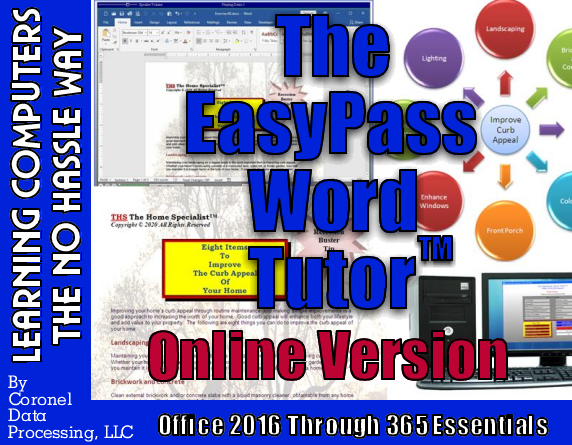
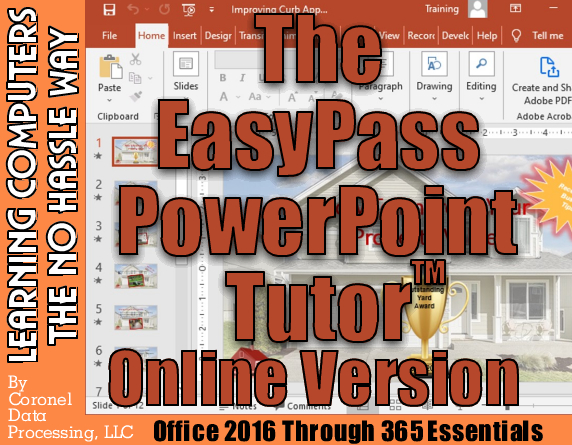
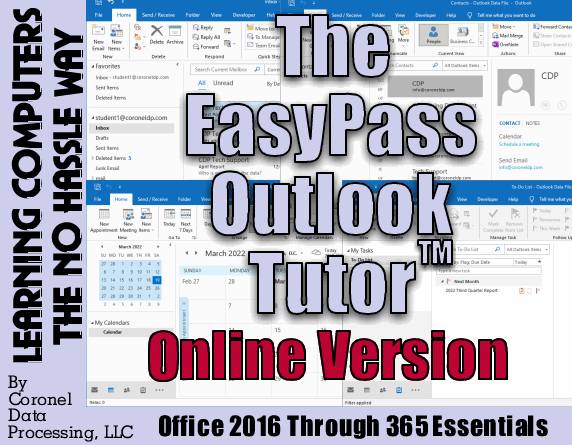
Excel, Word, PowerPoint, and Outlook tutorial programs are available online at our eLearning academy, easypassprep.com. What do you get with our online course? 1. Lifetime Access - Come back to our online courses anytime to review or see what is new. 2. Free Updates - Excel, Word, and PowerPoint are constantly being updated which means so are our online courses. Get regular updates to our courses as we make them at no additional charge to you. 3. Interactive Access - Our exercise files can be downloaded to easily follow our lessons and training videos. 4. Video Demonstrations - Our training videos demo our exercises so you can see how to do something. 5. Online Access - Since these courses are web- based, they can be viewed via a PC, Mac, Chromebook, or any smart device with Internet access and a web browser. 6. Multiple Device Access - You can use more than one device (e.g., home system, personal laptop, or work computer) to access your online courses as long as you are the one logging into your account and you are not sharing your account information with others 7. Basic Consulting Support - Need advice or help trying to accomplish something we teach in one of our courses? For a year after purchase, our experts are here to assist you at no additional charge. |
Buy Web-Based PowerPoint Version
|
CDP Coronel Data Processing, LLC
The Computer
Specialist
23535 Palomino Dr., #253
Copyright © 1996-2023
Coronel Data Processing, LLC
All Rights Reserved